Graphic design continues to evolve at an impressive pace. By 2026, content creators, communications agencies, businesses, and even freelancers will have access to tools that are increasingly powerful, intelligent, and collaborative. Thanks to the integration of artificial intelligence, cloud features, and automation tools, graphic design software is no longer just for creating beautiful images: it now saves time, boosts productivity, and produces professional visuals with just a few clicks.
Translated with DeepL.com (free version)
Whether you're a beginner, a student, a community manager, or an experienced designer, choosing the right software can make all the difference in your projects. Here is a selection of the top 5 graphic design software programs in 2026, based on their features, popularity, and effectiveness.
-
1. Adobe Photoshop: The Industry Standard
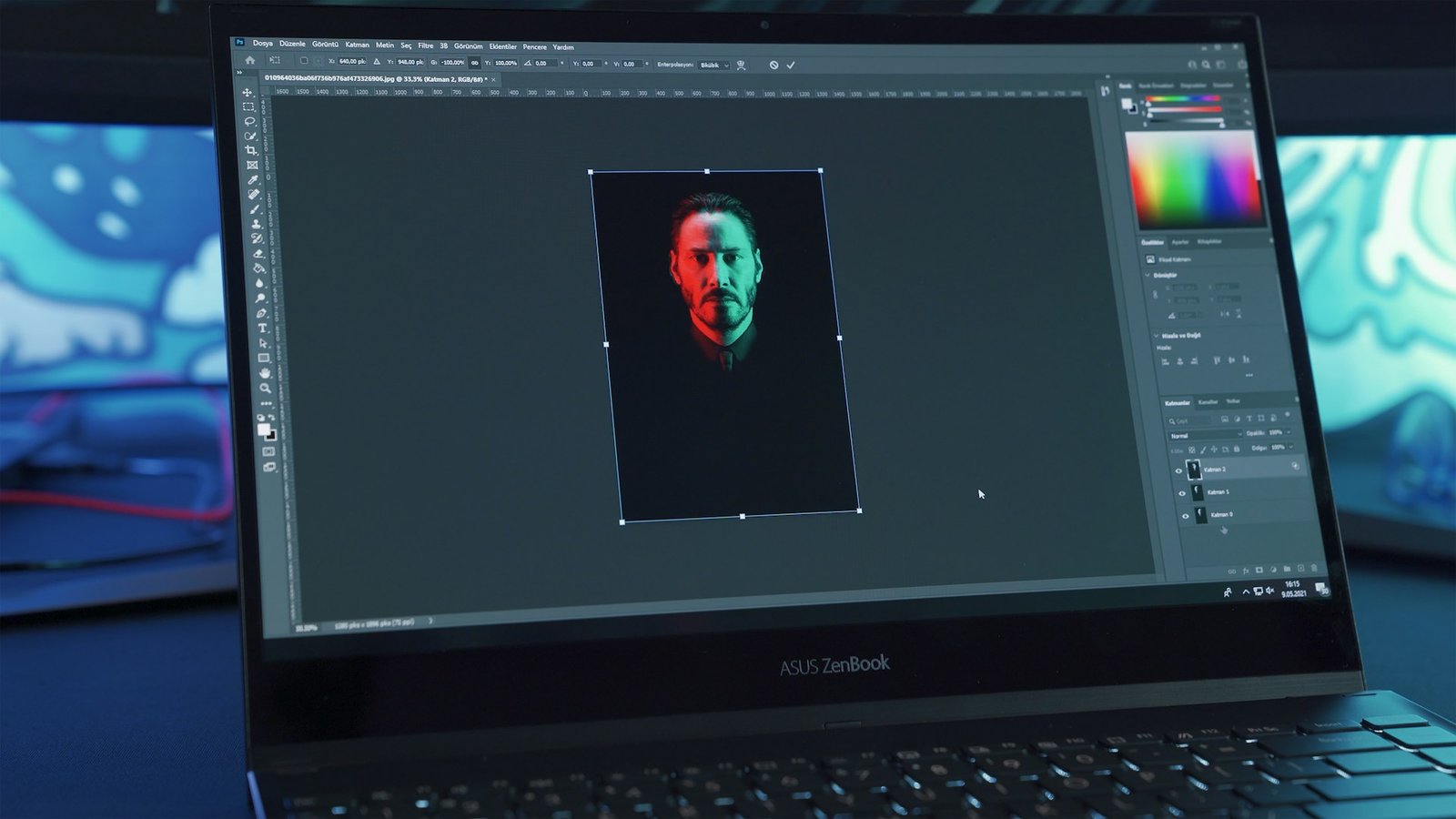
For several decades, Adobe Photoshop remains the undisputed leader in graphic design and photo editing. In 2026, the software maintains its position thanks to innovative updates incorporating generative artificial intelligence.
Photoshop lets you create posters, retouch portraits, design advertising banners, and produce complex montages with remarkable precision. For example, the new AI features allow you to automatically remove objects, enlarge an image without losing quality, or generate realistic backgrounds in just a few seconds.
Key points:
– Comprehensive professional tools
– Advanced photo editing
– Integration of artificial intelligence
– Compatible with other Adobe software
– Ideal for professionals
Who is it for?
Photoshop is highly recommended for professional graphic designers, photographers, communication agencies, and demanding content creators.
-
2. Canva: The Champion of Simplicity
Canva has established itself as one of the world’s most popular software programs thanks to its intuitive interface and thousands of ready-to-use templates. In 2026, Canva is taking things even further with AI features capable of automatically generating designs tailored for social media, presentations, or marketing campaigns.
One of the great advantages of Canva is that it doesn’t require any advanced technical skills. Even a beginner can create modern, professional-looking visuals in just a few minutes.
Key points:
– Very easy to use
– Extensive library of templates
– Collaborative features
– AI tools for generating visual content
– Available online and on mobile devices
Who is it for?
Canva is perfect for entrepreneurs, community managers, students, small businesses, and content creators who want to quickly produce attractive designs.
-
3. Figma: The Standard in UX/UI
Figma est devenu incontournable dans le domaine du design d’interface utilisateur (UI) et de l’expérience utilisateur (UX). En 2026, il domine toujours le marché grâce à ses outils collaboratifs en temps réel et son fonctionnement entièrement basé sur le cloud.
Les équipes de designers peuvent travailler simultanément sur un même projet, échanger des commentaires et tester des prototypes interactifs sans avoir à installer un logiciel lourd sur leur ordinateur.
Figma est particulièrement apprécié dans le développement d’applications mobiles, de sites web et de plateformes digitales modernes.
Key points:
– Real-time collaboration
– Great for web and mobile design
– Modern, seamless interface
– Interactive prototyping
– Works directly in the browser
Who is it for?
Figma is ideal for web designers, developers, tech startups, and digital design teams.
-
4. CorelDRAW: The Power of Vector Graphics
CorelDRAW is primarily intended for illustrators, printers, logo designers, and branding professionals.
Unlike software designed solely for photography, CorelDRAW excels at creating scalable vector graphics without any loss of quality. This is a major advantage for printers, billboard designers, and brand designers.
Key points:
– Excellent vector management
– Powerful layout tools
– Ideal for professional printing
– Customizable interface
– Good file compatibility
Who is it for?
CorelDRAW is primarily intended for illustrators, printers, logo designers, and branding professionals.
-
5. Affinity Designer: The Affordable and High-Performance Alternative
Affinity Designer has seen impressive growth in recent years. In 2026, it is considered one of the best alternatives to Adobe software thanks to its excellent value for money.
The software offers powerful tools for vector design, digital illustration, and professional graphic design—all without a monthly subscription. This approach is particularly appealing to freelancers and small businesses.
Affinity Designer also performs very well, even on less powerful computers.
Key points:
– One-time payment with no subscription required
– Fast and modern interface
– Excellent performance
– Precise vector tools
– Compatible with Windows, Mac, and iPad
Who is it for?
Affinity Designer is suitable for freelancers, students, illustrators, and users looking for a professional solution at a lower cost.
How to Choose the Right Graphic Design Software in 2026?
The choice of software depends mainly on your needs and your level of experience.
– If you're looking for a comprehensive professional solution, Photoshop remains the go-to choice.
– For quick and easy designs, Canva is probably the best option.
– Web and mobile designers will prefer Figma for its collaborative features.
– Vector graphics specialists will appreciate CorelDRAW.
– Finally, Affinity Designer is an excellent, cost-effective alternative.
It is also important to consider:
– your budget;
– Your computer's processing power;
– The type of projects to be carried out;
– your technical skills.
Conclusion
By 2026, graphic design software had become smarter, more accessible, and more powerful than ever before. Thanks to technological advances and artificial intelligence, even beginners can now create professional-quality visuals.
However, no software is a one-size-fits-all solution. The best choice will always be the one that aligns with your goals, your budget, and your workflow. Whether you’re a content creator, a professional designer, or an entrepreneur, investing in a good graphic design tool is essential today for standing out in an increasingly competitive digital landscape.